What Are Digital Orthodontic Records?
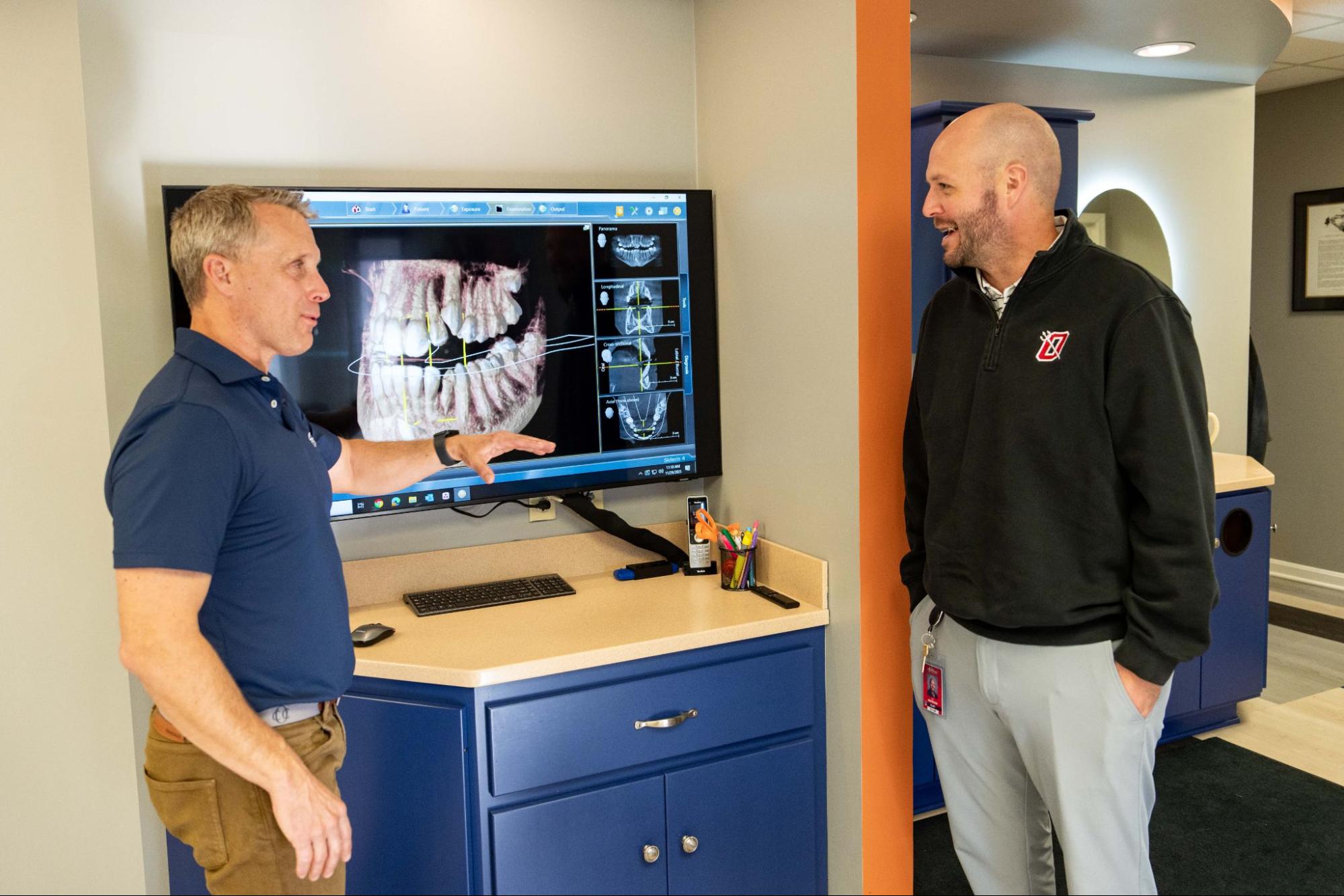
Digital orthodontic records are the full set of diagnostic files your orthodontist uses to plan and track your treatment. They include 3D intraoral scans of your teeth, a standardized series of clinical photos, and digital X-rays. Together, these three pieces give Dr. Danzer a complete picture of your bite, jaw, and smile, all stored securely on a computer instead of in a filing cabinet.
Why collect all three? Each tells a different story. Scans show tooth shape and position in three dimensions. Photos capture how your smile looks from every angle. X-rays reveal what’s happening beneath the gumline, including roots, developing teeth, and jaw structure. Skip one, and the plan is incomplete.
Compare this to the old way. Families used to bite into trays of putty-like material that often triggered gagging and sometimes needed retakes. X-rays were captured on film, developed in a darkroom, and stored as physical prints. Digital orthodontic records changed all of that, replacing bulky physical files with precise digital data that can be reviewed, shared, and updated in seconds.
At Danzer Orthodontics, records are captured at your free consult and updated as needed during treatment. That way, your plan stays accurate from day one through the day your braces come off or your final aligner comes out.
How Digital Records Are Captured: Scans, Photos, and X-Rays Step by Step
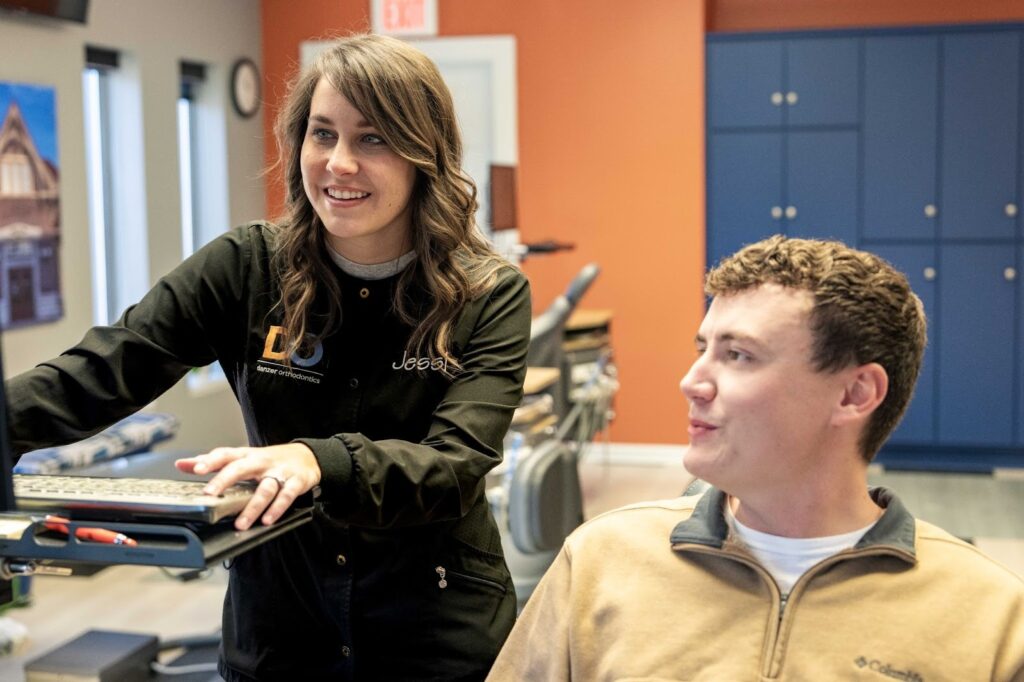
A records appointment is quick, comfortable, and typically wraps up in 20 to 30 minutes. Here’s what happens from check-in to finish.
1. The 3D intraoral scan. A team member gently moves a handheld wand around your mouth. The intraoral scanner captures thousands of images per second and stitches them into a precise 3D model of your teeth and bite. There are no trays, no goopy impression material, and no triggered gag reflex. Dr. Danzer and the team can rotate the model on-screen within minutes.
2. The clinical photo series. Next comes a standard set of eight orthodontic photos. Three extraoral shots capture your face at rest, smiling, and in profile. Five intraoral shots document your teeth from the front, both sides, and the biting surfaces of the upper and lower arches. These images track changes throughout treatment and help with case presentation.
3. Digital X-rays. Two main X-rays are usually part of the records set:
- Panoramic X-ray: a single rotating image that shows all your teeth, roots, jawbone, and sinuses in one view.
- Cephalometric X-ray: a side-profile image that measures how your jaw, teeth, and facial bones relate to each other.
In some cases, Dr. Danzer may order a CBCT (cone beam CT) scan. This 3D X-ray is reserved for complex situations, like impacted teeth, airway concerns, or planning for jaw alignment cases, because it gives a detailed cross-sectional view that standard X-rays can’t match.
4. Files move into planning software. Once captured, every file flows into treatment planning software. For clear aligners, the scan goes directly to the aligner lab (or, for N-Line aligners, stays in-house). For braces, Dr. Danzer uses the records to map out bracket placement, wire sequencing, and expected tooth movement. The result is a customized treatment plan built on real data, not guesswork.
Benefits of Digital Orthodontic Records
Picture a parent sitting chairside with their 11-year-old, watching a 3D model of their child’s teeth spin on a monitor while Dr. Danzer points to the exact tooth that will move first. That’s the kind of moment digital records make possible. They’re not just a tech upgrade. They truly improve the experience for families and the quality of the plan the Danzer team puts together. Here’s what you gain:
- Greater accuracy than putty impressions. 3D scanners capture surface detail down to the micron. There’s no distortion from material setting unevenly, and no retakes because the tray slipped.
- Significantly less radiation. Digital X-rays use far less radiation than traditional film X-rays.
- Faster treatment planning. Files transfer instantly. Aligner labs can start fabrication the same day scans are approved, and bracket planning happens in a fraction of the time old plaster models required.
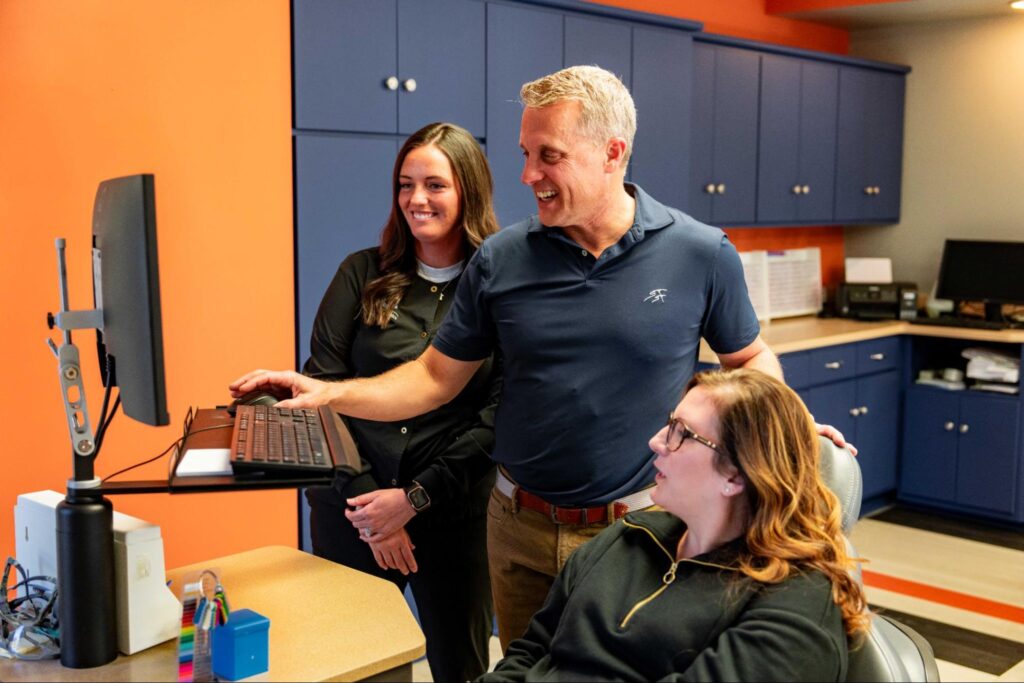
- Clearer patient communication. You can see your own 3D model on screen. Dr. Danzer can show you exactly which teeth will move, in what direction, and what the finished result should look like. That makes it easier to understand your options and feel confident about your choice.
- Secure, HIPAA-compliant storage. Your records live in encrypted systems, not paper folders. If you ever need them sent to a general dentist, oral surgeon, or specialist, the files travel in seconds.
- A more comfortable visit. No bulky impression trays. No sitting still while material hardens. Just a quick wand pass, a few photos, and you’re done.
For families balancing school, work, and after-school activities, that comfort and speed add up. According to the American Association of Orthodontists, digital workflows have become the standard of care at modern practices, and Dr. Joe Danzer keeps learning and stays current on new tech so your care benefits from the latest tools.
Digital vs. Traditional Orthodontic Records: Side-by-Side
Most modern practices have moved to fully digital records, and for good reason. Here’s how the two approaches compare:
| Feature | Traditional Records | Digital Records |
|---|---|---|
| Impressions | Putty trays, often triggers gagging | 3D wand scan, no trays |
| Accuracy | Can distort as material sets | Highly precise, no distortion |
| Time per appointment | 45–60+ minutes | 20–30 minutes |
| X-ray radiation | Higher (film-based) | Lower (digital sensors) |
| Photo quality | Printed, lower resolution | High-resolution digital |
| Storage | Physical models and prints | Encrypted cloud files |
| Sharing with specialists | Mail or hand-deliver | Instant electronic transfer |
| Retakes | Common | Rare |
| Patient comfort | Lower | Much higher |
Why have most practices made the switch? Accuracy, speed, and patient experience all improve at once. Digital files also integrate directly with aligner software, 3D printers, and treatment planning tools, which keeps your plan on schedule.
Are traditional methods ever used today? Occasionally. Some labs still request plaster models for specialty appliances, and a handful of older insurance workflows may ask for film-style imaging. At Danzer Orthodontics, digital is the default, with traditional methods reserved only for the rare case that requires them.
Who Needs Digital Orthodontic Records?
Short answer: every orthodontic patient. Whether you’re a parent bringing in a child, a teen starting clear aligners, or an adult finally pursuing the smile you’ve always wanted, baseline records are the starting point.
Digital orthodontic records are needed for:
- Every new family member. Kids, teens, and adults all need a baseline record set before treatment begins.
- Clear aligners, metal braces, and clear braces. Each option requires precise scans and X-rays to plan tooth movement.
- Complex cases. Treatment involving extractions, impacted teeth, surgical planning, or jaw alignment relies heavily on detailed imaging like CBCT.
- Mid-treatment updates. If your plan needs to shift (new aligners, bracket repositioning, growth changes in young patients), updated scans keep everything on track.
- Families with sensitive gag reflexes. Digital scans are much easier to tolerate. No tray, no gagging, no stress.
Dr. Danzer welcomes patients of all ages, and the records process is adjusted to make kids and nervous family members feel at ease.
Frequently Asked Questions About Digital Orthodontic Records
Are digital orthodontic X-rays safe?
Yes. Digital X-rays use a very low dose of radiation, significantly less than traditional film. For context, the amount is a small fraction of the radiation you’d receive on a single cross-country flight. If you’re pregnant or think you might be, let the team know so non-urgent imaging can be postponed as a precaution.
How long does a records appointment take?
Most records appointments at Danzer Orthodontics take 20 to 30 minutes from check-in to finish. That includes the 3D scan, photo series, and X-rays. Complex cases involving CBCT may run slightly longer.
Can I get a copy of my digital orthodontic records?
Absolutely. Your records belong to you. Just ask the team at either our Owensboro or Hardinsburg office, and we can send copies to you, your general dentist, or another specialist. Digital files transfer securely in minutes.
Do digital scans hurt or cause gagging?
No. The intraoral scanner is a small handheld wand that glides around your teeth without touching sensitive areas the way impression trays do. Families with strong gag reflexes almost universally prefer digital scans over the old method. There’s no material, no suction, and no waiting for anything to set.
Can a tooth infection be seen on an orthodontic X-ray?
Often, yes. Panoramic X-rays can reveal signs of infection, abscesses, cysts, or other issues near the roots and jawbone. If something unusual shows up, Dr. Danzer will discuss it with you and may recommend a visit to your general dentist for follow-up care before your smile journey begins.
How often are new records taken during treatment?
It depends on your case. Many families only need baseline records at the start and progress records near the end of treatment. Longer or more complex cases may require updated scans or X-rays partway through to confirm teeth are moving as planned.
Curious about what your own digital records would show? Dr. Joe Danzer and the Danzer team offer a free consultation at both our Owensboro Orthodontic Office (745 Scherm Rd., Owensboro, KY) and Hardinsburg Orthodontic Office (122 W. 3rd St., Hardinsburg, KY). Call (270) 926-9890 or book your free consult online to get started.